


When Microsoft released Windows 8, it hoped to launch a new class of computer capable of serving both as a laptop and a tablet. The company even went so far as to hire an engineering team and develop its own products. There’s just one problem: many of these new devices aren’t good. Windows RT was barely breathing on arrival and just 400,000 Surface Pros sold in the first month, which sounds like a lot until you hear that Apple sells 1.7 million iPads every week.
The problem is the product. Consumers say they’d like a tablet/laptop combo, but no computer has been good enough to fulfill this desire so far. HP’s ElitePad 900 seemed like the solution, yet a botched keyboard dock made it hard to recommend as a laptop replacement.
Surprisingly, HP itself has devised the answer: the $599 Envy x2. Unlike the 900, which focuses on durability (hence the bulky keyboard), this device is sleeker, more refined, and ships with a keyboard dock that’s bundled rather than an added-cost extra. Let’s see if this device is a true jack-of-all-trades.
Featherweight
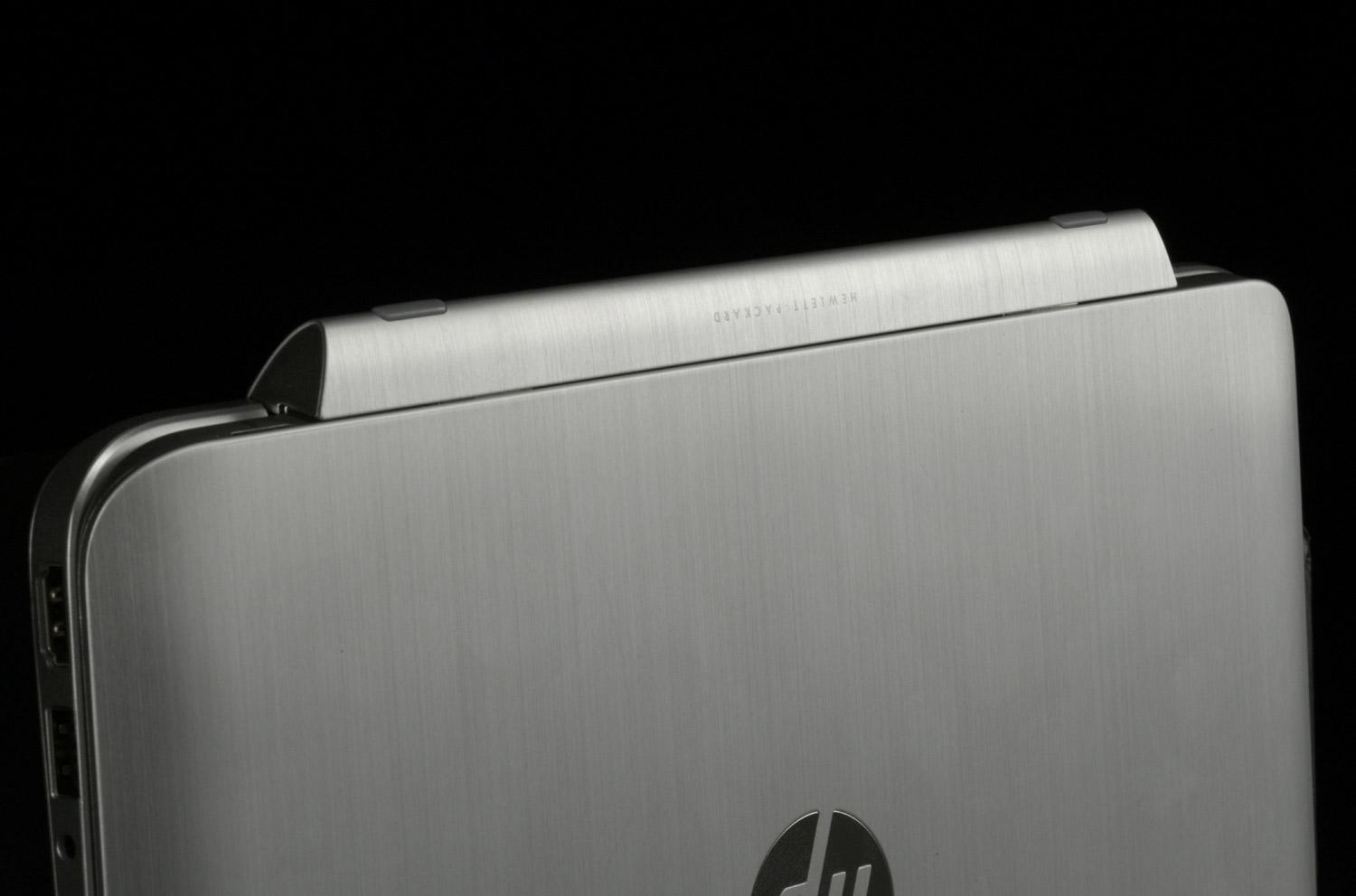
At first glance, the Envy x2 seems identical to its enterprise cousin. HP altered the look a bit – this device prefers masses of silver metal to the 900’s more diverse black-on-silver design – but the basic elements are similar: both have a silver frame around a black glossy display bezel, both use silver metal along the rear of the display, and both have rounded corners which make holding the tablet comfortable.
There is a significant difference, however: aspect ratio. While the 900 has a 16:10 screen measuring 10 inches, the Envy x2 offers the more common 16:9 format. This expands diagonal screen size to 11.6 inches and changes the tablet’s proportions for the worse. There’s no problem when using the device as a laptop, but the x2 feels a bit narrow and awkward to browse the Web when used as a tablet. Most 16:9 Android tablets suffer from the same issue.
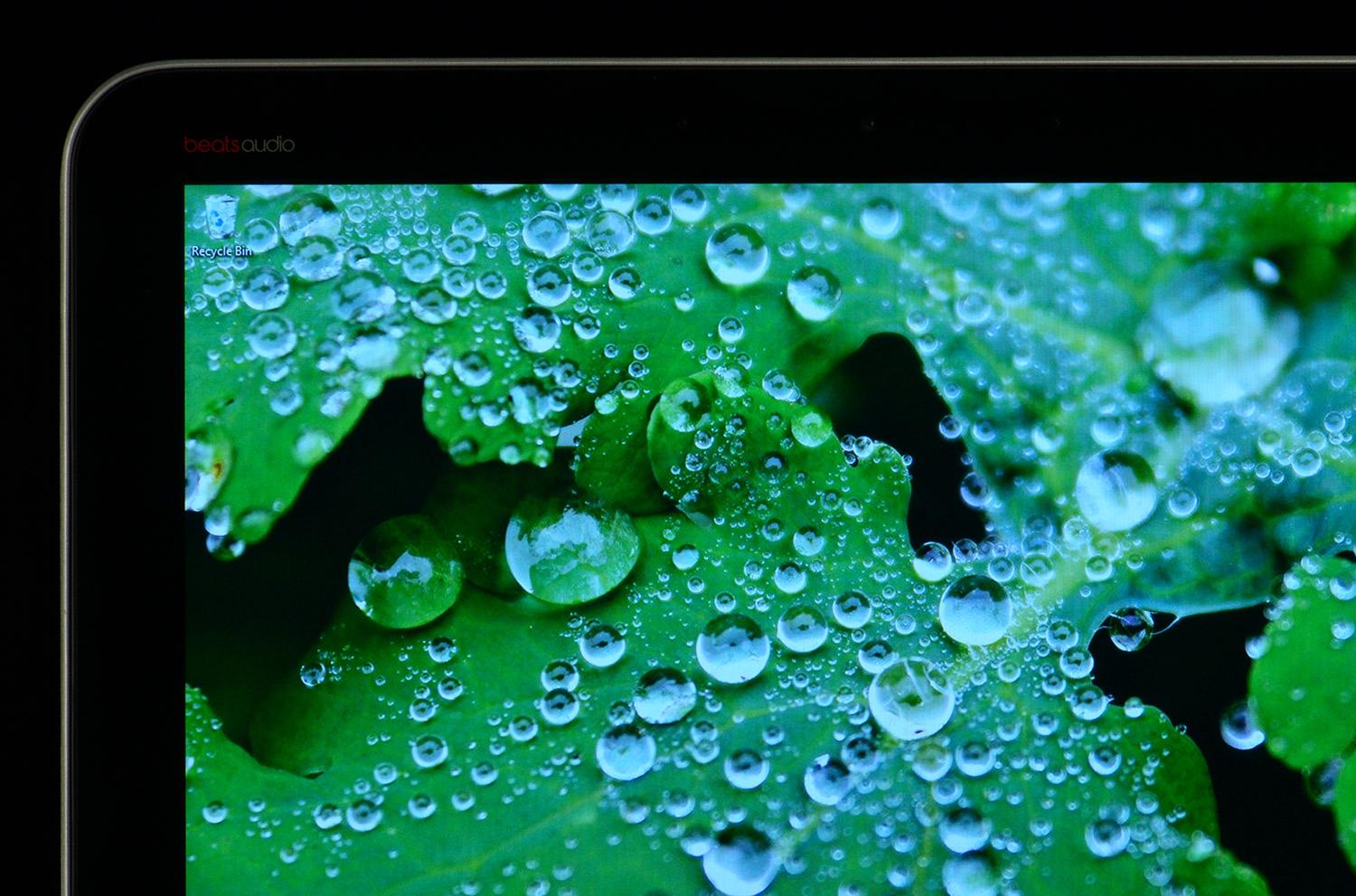
Changing the screen hasn’t added bulk, however, so the device remains remarkably easy to handle when used as either a laptop or tablet. An iPad feels heavier in hand because, though slightly lighter, it’s denser. Most users will have no problem holding the x2 for long periods of time.
The tablet’s ergonomics are further enhanced by clever power/volume button design. Instead of protruding, the buttons are inlaid into the chassis, which makes accidental activation unlikely. However, the same can’t be said for the Windows button, which is less of a button and more of a touch-sensitive area on the tablet’s bezel. We accidentally triggered it multiple times during our evaluation.
Permission to dock
The difference in quality between the ElitePad 900’s keyboard dock and the Envy x2’s couldn’t be wider, creating a rare case where the consumer wins over enterprise customers. This dock is everything the 900’s dock is not: light, thin, attractive, and pleasing to use.
In fact, this might be the best keyboard dock on the market today. The keyboard uses almost every centimeter of available width to offer a spacious typing surface. Good key feel is just the cherry on top. The hinge, which inclines the keyboard and limits the tilt angle of the display, is the only problem. Some people prefer an inclined keyboard, while others don’t; and those in the latter group may find the Envy x2 uncomfortable.


The touchpad also emulates a traditional laptop with impeccable accuracy. The surface is large, responsive, and offers clearly defined borders. Even the physical left/right buttons integrated into the surface have some tactile feel. Multi-touch gestures work nearly as well on the touchpad as they do on the touchscreen.
Slapping on the keyboard adds ports as well. The keyboard is a much-needed addition since the tablet has nothing but a MicroSD card reader. The keyboard dock adds two USB 2.0 ports, an HDMI port, and a combo headphone/microphone jack. Not a bad selection for a tablet/laptop hybrid, though not exceptional either.
Too many pixels stretched too thin
Though light and well-built, the Envy x2 is relatively affordable. One gift HP handed over (we’re assuming begrudgingly) to the Gods of Value is the display’s meager 1366 x 768 resolution.
A 1366 x 768 resolution is fine for an 11.6-inch laptop, but not great for an 11.6-inch tablet; and visible pixilation is the result. Web pages and fine text lack the crisp, sharp look users have come to expect from using smartphones and tablets.
Chalk this up as another reason we think hybrids will eventually threaten stand-alone tablets.
Otherwise, the display is distinctly average. Color gamut testing pegged the display at 68 percent of sRGB, and black level benchmarks returned middling results. Maximum brightness registered at just over 300 nits, which is enough to make the glossy display usable even in a sunlit room. Viewing angles are also good.Unfortunately, audio is a low point. The speakers are muffled by the keyboard dock, making laptop audio quiet even at maximum volume. Removing the tablet from the dock will pump up the jam, but doesn’t improve quality.
Audiophiles aren’t completely out of luck, however, as the Envy x2 ships with Beats audio. This allows some customization of the audio experience not normally found on a Windows device, but you’ll need to plug in a pair of headphones to enjoy it.
One for the road
As thin as this device is, HP somehow still found room to cram modest batteries into both the tablet and the keyboard dock. This, combined with the power-sipping Atom processor, makes for good battery life.
How good? With the dock attached, we got almost seven hours of endurance from our Web-browsing test, and the figure was boosted to 12 hours during our light-load reading test (which doesn’t use Wi-Fi). Even our Battery Eater load test needed six hours to chew through both batteries.
Detaching the tablet from the dock reduces Web browsing time to about five hours, which sets no records but is average for a Windows tablet. The Envy x2 probably won’t outlast an iPad or a Nexus 10 (though it theoretically could, in certain situations), but it will easily last you through a cross-country flight.
Atomic performance
Our review unit arrived with an Atom Z2760 dual-core processor, 2GB of RAM, and a 64GB solid-state drive. These specifications are typical for current Windows tablet/laptop hybrids but result in uninspiring performance. SiSoft Sandra’s Processor Arithmetic benchmark reported a score of 8.26 GOPS, and 7-Zip returned a result of 2,719 MIPS. These figures are three to four times below current Core i5 dual-core processors.
PCMark, a general test that benchmarks the processor, hard drive, and graphics card simultaneously, returned an abysmally low score of 1,431. If not for the ElitePad 900, which scored even lower, this would be the worst result we’ve recorded.
There’s no good news from graphics either. The standard version of 3DMark we use to test other recent systems wouldn’t work because the Atom’s integrated graphics processor doesn’t support some required features. We, instead, used 3DMark 06, a benchmark that’s now eight years old and reported a score of 454. This is, once again, among the worst results we’ve recorded.


Storage is also a problem. A 64GB solid-state drive is standard, and an optional 128GB drive available, but that’s not a lot of space for a Windows device. HP pointed out that the MicroSD card slot could also be used, which is fair; but memory cards are slower than solid-state hard drives, and aren’t the ideal solution.
All of this adds up to a system that’s slow, yet also usable. We had no problem watching video on YouTube and editing documents in a browser. Performance only becomes a drawback when more demanding work is required. In some tasks, such as converting a video from one format to another, the Atom processor can be over five times slower than a Core i5 dual-core.
Nary a word
Users will never have to worry about fan noise because this device has no fan. That’s one of Atom’s advantages: it can be passively cooled. A lack of fan and mechanical hard drive guarantees silence.
And think again if you’re worried that ditching the fan will result in unpleasant heat. Temperatures at idle hover just above average room temperature, and load only pushes heat to just over 90 degrees Fahrenheit. That’s the lowest load temperature we’ve seen from a tablet.
Conclusion
Current technology just doesn’t allow for a powerful Windows PC at an affordable price in a slim chassis. What separates today’s best and worst hybrid PCs is the way they manage their inevitable flaws and compensate for them in other areas.
The Envy x2 is the best balancing act we’ve seen thus far. Unlike most competitors, this device is truly useful as a laptop (we wrote most of this review on the Envy x2 without any complaint or discomfort). And as if that wasn’t enough, the tablet experience is also good. The tablet alone weighs just 1.5 pounds and the Atom processor, though slow, is more than capable of tackling Web-browsing and 720p video.
And here’s the kicker: HP has priced this device at $599 with the dock. You can buy this computer, with dock and a 64GB drive, for the same price as a 32GB iPad. Chalk this up as another reason we think hybrids will eventually threaten stand-alone tablets. Who’s going to buy a tablet when one comes with your laptop?
But we shouldn’t get ahead of ourselves. The Envy x2 isn’t perfect, and there’s no doubt an iPad or Nexus 10 is a better tablet. This device only offers a good compromise rather than the best of both worlds.
Highs:
- Attractive design
- Thin and light
- Great keyboard dock
- Average battery life as tablet; excellent life with dock
- Good value
- Low display resolution
- Poor performance


0 comments:
Post a Comment