


At CES 2013 Toshiba had … not a lot to show. Like many other laptop manufacturers, the company had un-wrapped its newest models alongside the debut of Windows 8. Toshiba did, however, promise to add touch to the Satellite U845, an Ultrabook that we reviewed in August of 2012.
That promise has now been fulfilled. For the most part, the new model (known as the U845t) is the same as the old one. The only difference, touch aside, is a slight re-design of the display lid and bezel which moves the Toshiba logo from the center to the side. As a result, this review re-uses some text from the original look at the U845.
Our review unit arrived with a Core i5-3337 processor and 6GB of RAM. These specifications are a slight upgrade over a typical Ultrabook, but, surprisingly, Toshiba hasn’t jacked up the price. The U845t’s MSRP of $800 is exactly the same as the original model which not only lacked touch but also had less RAM and a slower processor.
When we reviewed the U845, we said the third time might be the charm for Toshiba. Let’s see if that has proved true.
Design
The U845 isn’t going to inspire passion, but it is a decent-looking Ultrabook. Its silver metal exterior provides an interesting and attractive silver-purple hue in certain lighting conditions. We think consumers will guess this laptop to be more expensive than it actually is.
Such aspirations of luxury are supported by good build quality. We found a few panel gaps, but those that exist tend to be small. We also appreciated the details, such as the small indent below the touchpad. It adds flair to the design and makes the laptop easy to open.
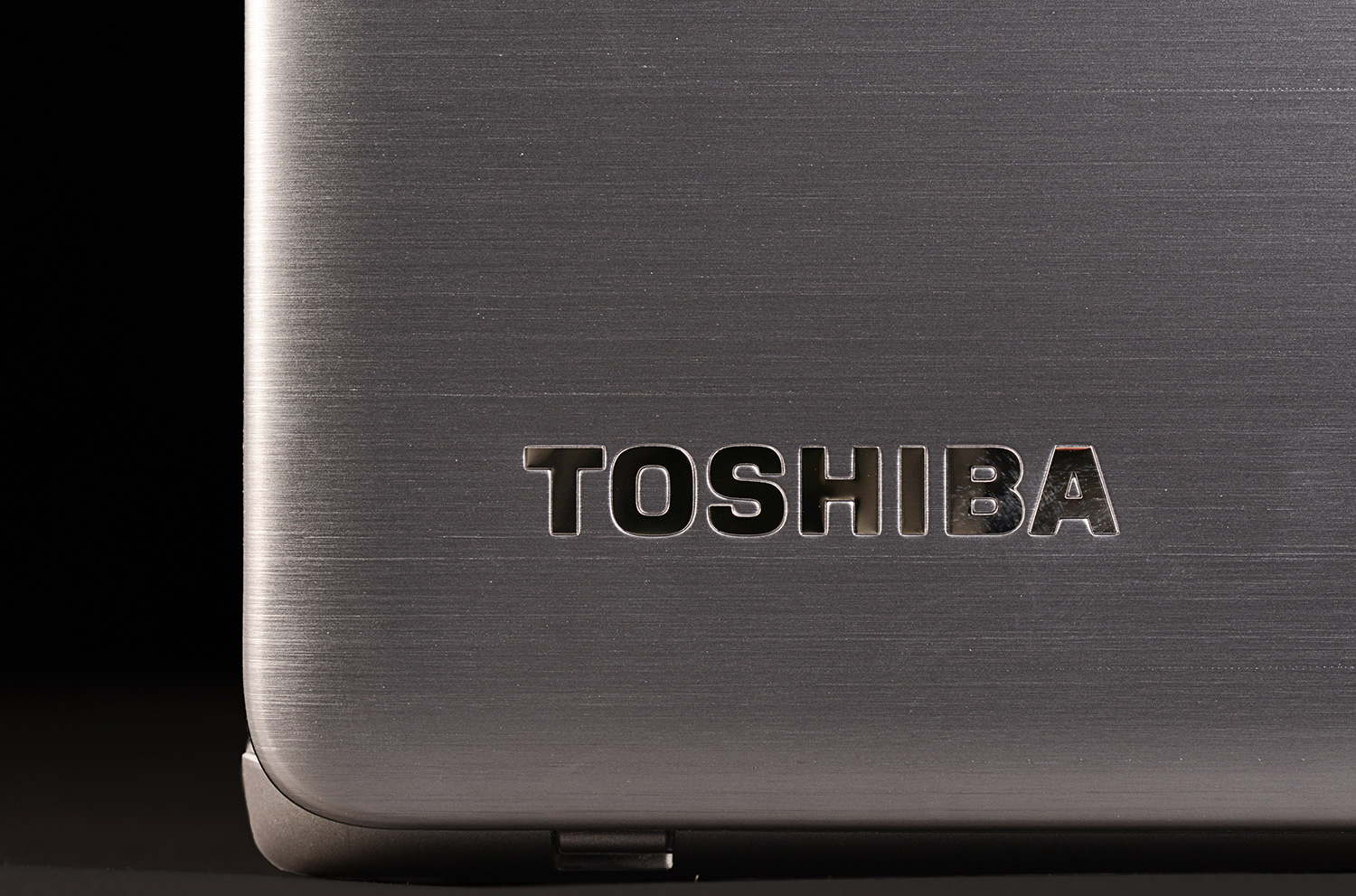
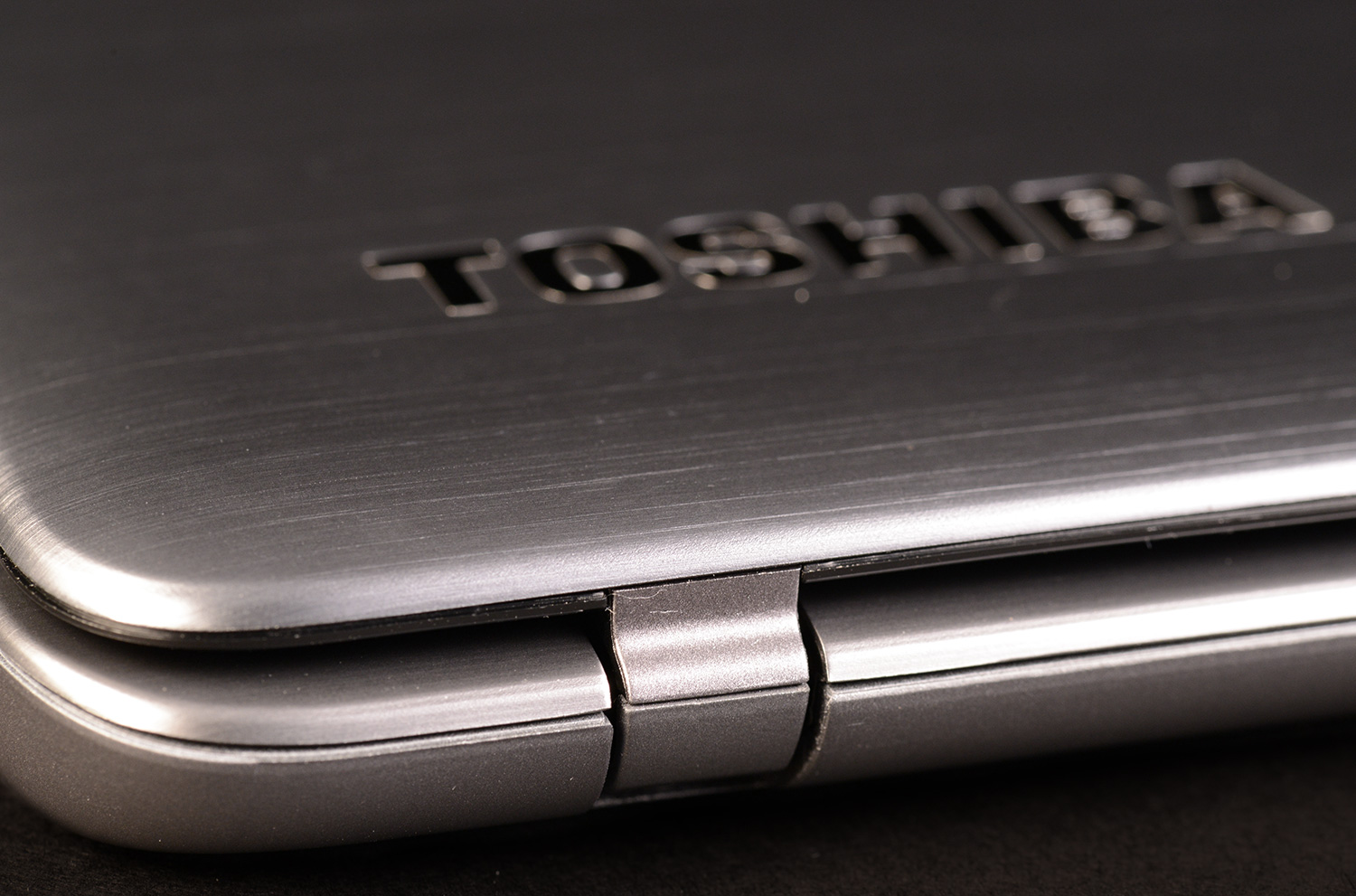
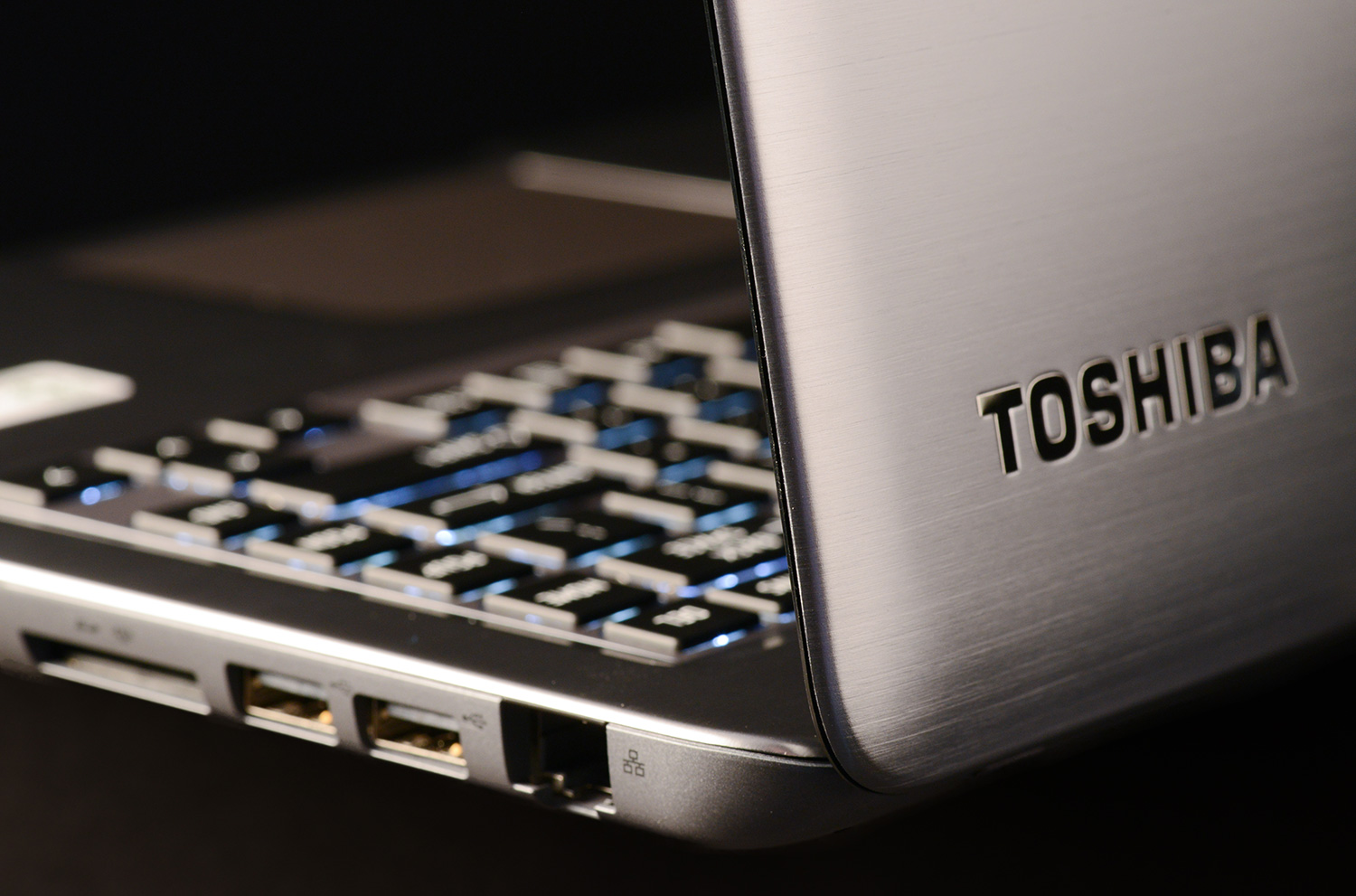
Not all the news is good, however. Toshiba, like so many other manufacturers, has gone with a glossy black plastic display bezel. It looks cheap and makes reflections noticeable. We also disliked the material below the keyboard. It differs noticeably from the surrounding metal in both texture and color.
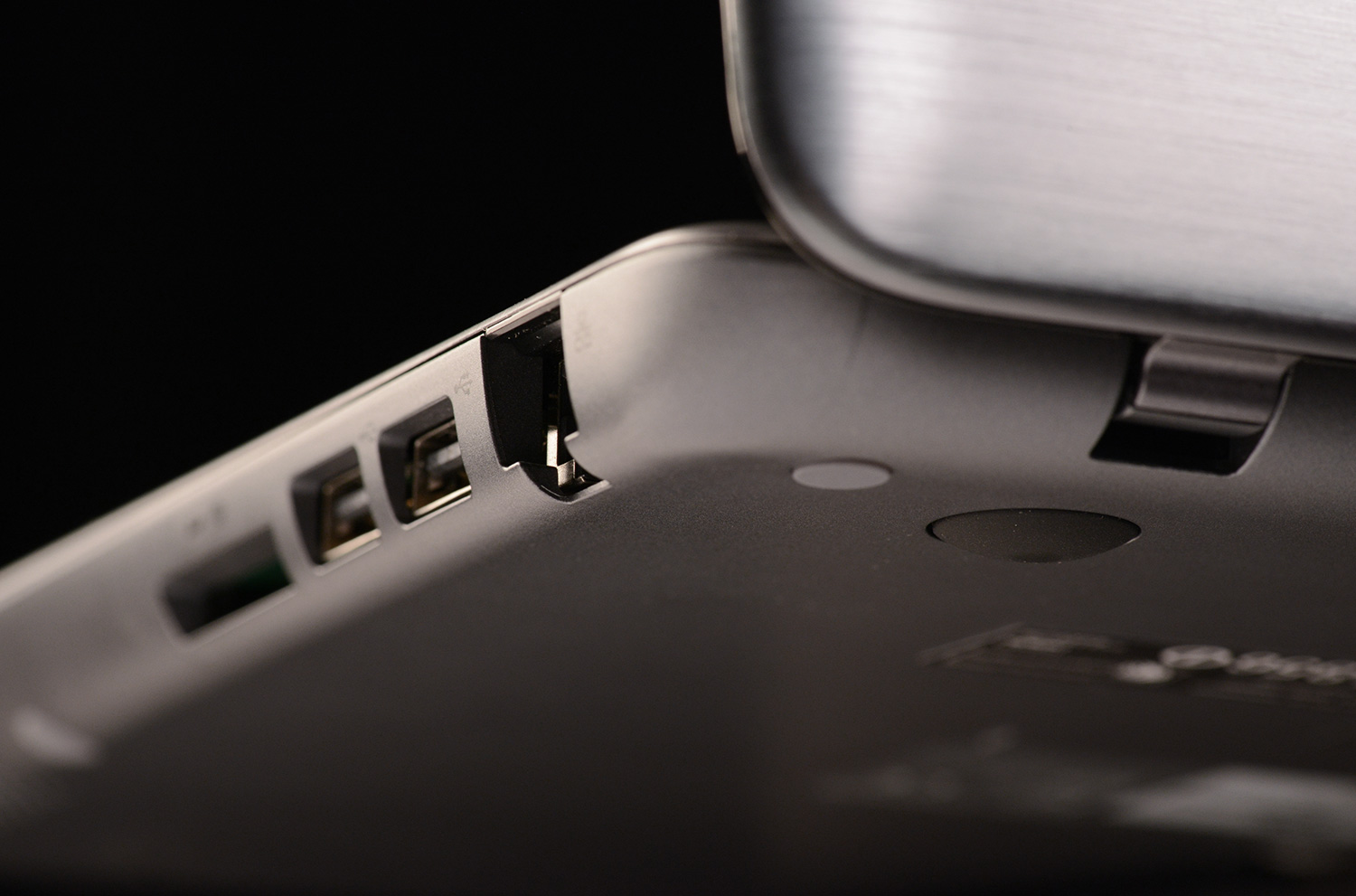
Connectivity is typical for an Ultrabook. The computer has two USB 2.0 ports and one USB 3.0 port. Video-out is handled by HDMI, and separate headphone and microphone jacks are available. Most Ultrabooks have similar port options, although many include two USB 3.0 ports and only one USB 2.0 port.
User interface
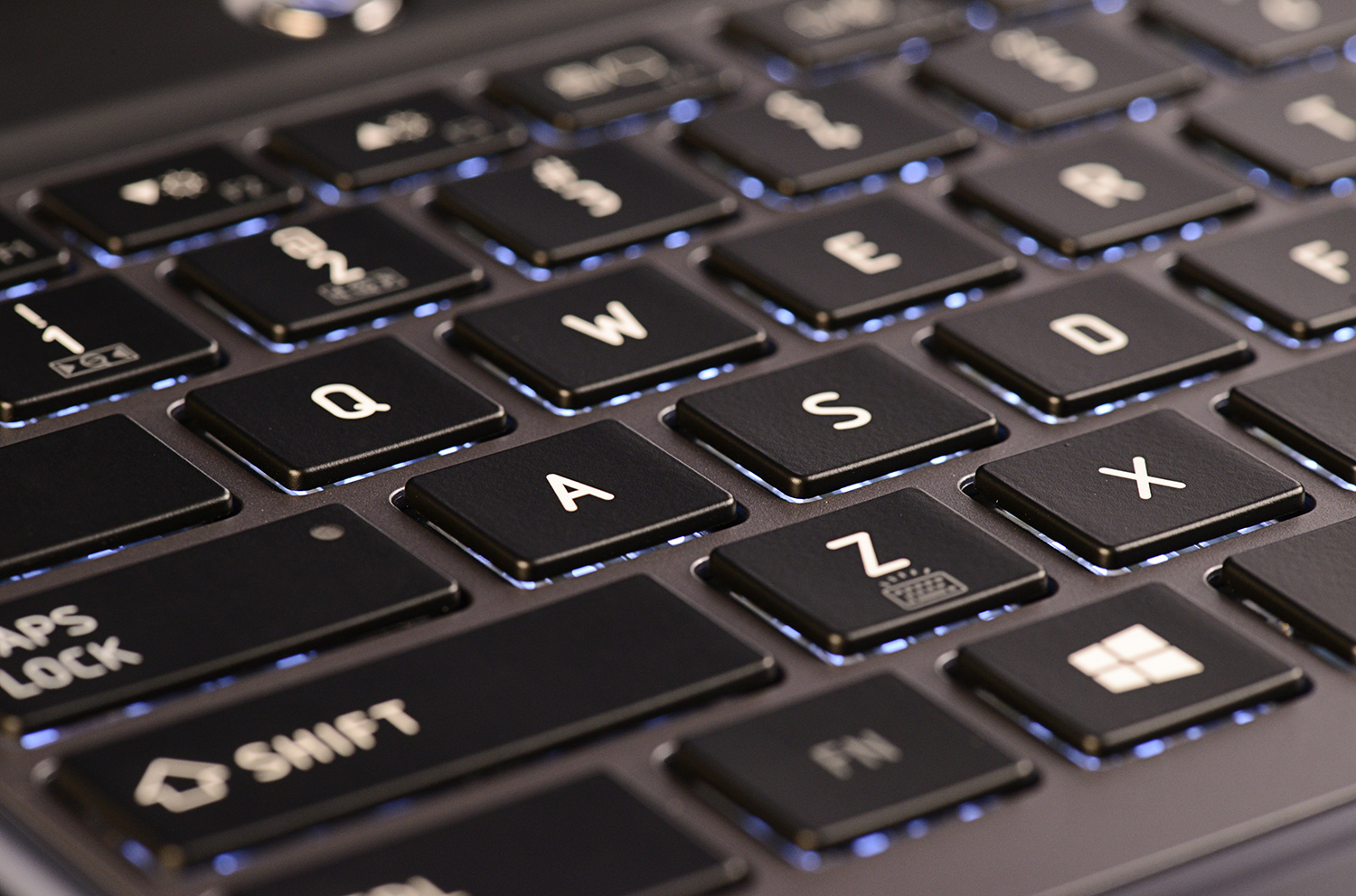
We used the U845 a short time before deciding it has one of the worst keyboards we’ve ever laid hands on. The main problem is a lack of key travel. Pressing a key results in only slight movement before it bottoms out. This creates a vague, detached feel.
Another problem is the size of the key caps. They’re more than wide enough but much shorter than normal. Potential buyers will have to spend a few hours to acclimate to this quirk. We find this design decision puzzling because the keyboard clearly has room for larger keys.

Touchpad quality redeems the laptop somewhat. The surface is large, and, although it lacks texture, feels responsive. Multi-touch scrolling is jerky by default but felt smooth after we turned down the sensitivity a notch. Left and right mouse buttons are integrated into the touchpad but require normal force to activate.
Display and audio quality
Toshiba shipped our review unit with a 1366 x 768 glossy panel, the only choice available. Touch functionality aside, the display doesn’t stand out in any area. In our tests it rendered just 59 percent of the sRGB gamut and offered poor contrast.
Subjectively, we found the display’s downfalls noticeable. Even the Windows start screen seemed faded and dull at maximum brightness. Movies and games, particularly those with dark scenes, were sapped of their life and vibrancy.
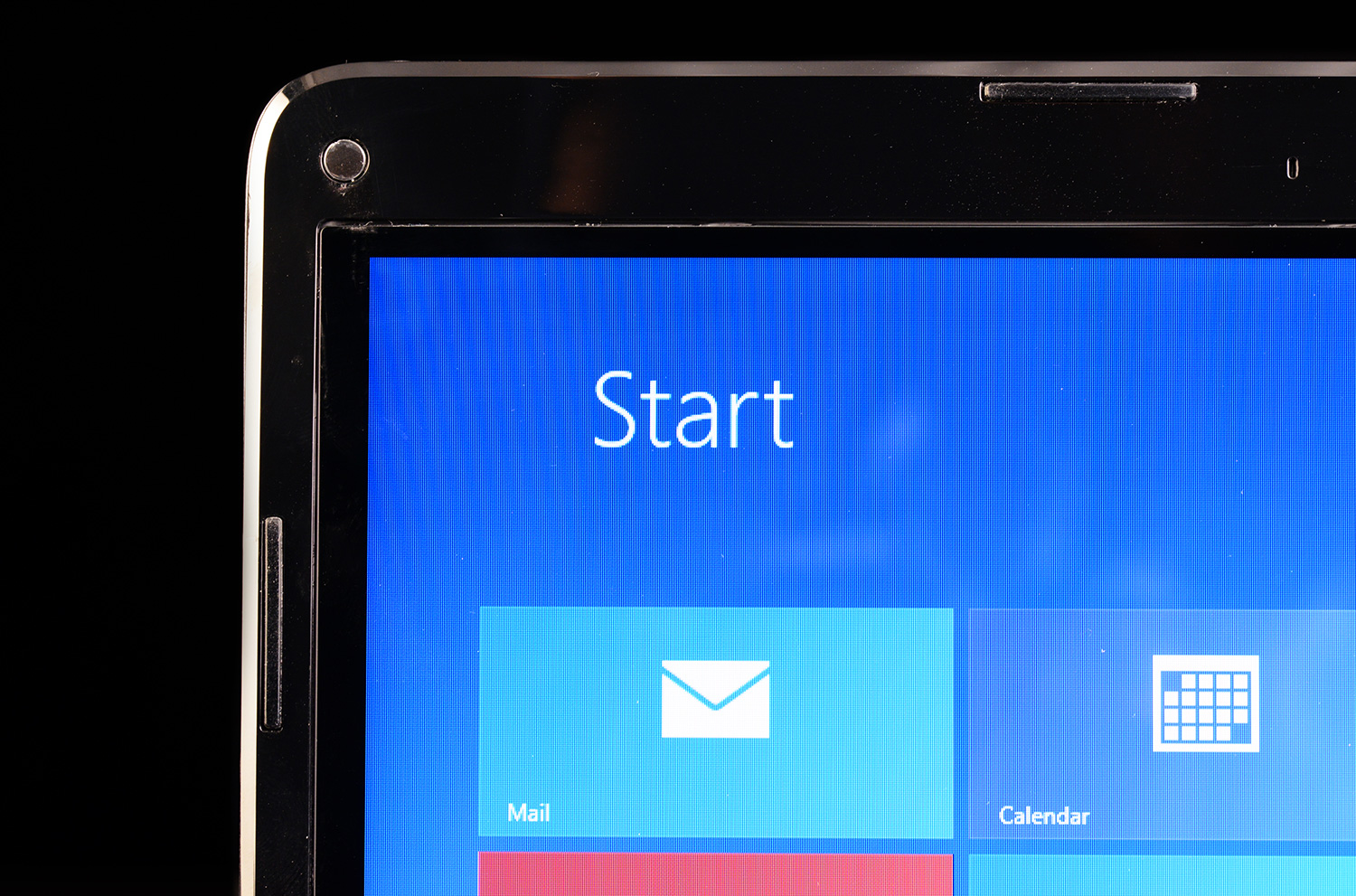
We did find the display’s brightness acceptable for use in a sun-lit room, however. Reflections were obvious but not overly distracting with the backlight at maximum.
Many Ultrabooks have shown themselves to be capable of surprisingly good sound quality, but the U845 falls behind the best in the category thanks to a lack of bass and moderate maximum volume. Anyone remotely serious about the quality of music or game audio will want to pack headphones.
Cooling
The U845t’s cooling system offered few surprises. Fan noise at idle barely registers above an ambient volume of 40 decibels. Placing the laptop under load increases noise to a noticeable (but not distracting) 44 decibels. Intense stress tests spiked volume at a howling 48 decibels, though that figure came in spurts as the fan switched between two different speeds.
Temperatures followed familiar trends. Basic tasks like Web browsing result in temperatures along the interior that top out in the mid-80s while bottom temperatures can sometimes rise to more than 90 Fahrenheit.
Placing the laptop under heavy load can cause some areas of the bottom to rise to more than 105 degrees, but the keyboard and palm rest spikes in the high 90s. These numbers put the U845t in the middle of the pack. Some competitors are cooler, but many aren’t.
Portability
This laptop, like the HP Envy 4 and Acer Aspire M5 (both of which also offer a 14-inch display), trends toward the bulkier side of the Ultrabook category. The weight of 3.9 pounds and maximum thickness of 0.8 inches is unlikely to impress passers-by, but the laptop remains easy to carry in a backpack or messenger bag.
Battery life comes courtesy of a 54Wh battery. This is a decent capacity for an Ultrabook, and it results in decent battery life. Our high-load battery eater test chewed through the battery in 2 hours and 21 minutes, but our light-load reader’s test increased time to 6 hours and 22 minutes. This is in line with the expectations set by the HP Envy 4, which offered similar hardware and a battery of roughly equal size.
Power tests were again unsurprising. The laptop consumed about 10 watts at idle with display at maximum brightness, about 24 watts at full processor load, and spiked at 35 watts during our graphics stress test. These results put the U845t in line with other Ultrabooks powered by Intel processors.
Performance
Toshiba has gifted the U845t with the Core i5-3337U processor, an upgrade over the i5-3317U found in the original. In our tests, it provided a slight boost, upping the SiSoft Sandra Processor Arithmetic score from 35.27 to 39.61 GOPS. 7-Zip was also quicker, increasing from 7,072 to 7,744. Minor improvements like this aren’t noticeable in day-to-day use, but they do reduce the time required to complete complex tasks (like encoding a video or compressing files).
PCMark 7 turned in an excellent score of 4,853 – over 1,000 points more than the standard U845. The improvement comes not only from the processor and RAM, both of which are improved, but also from the hard drive. Our review unit dropped the 500GB mechanical drive with 32GB cache drive in favor of a single 128GB solid-state drive. Users who need a lot of storage shouldn’t fret, however, as the 500GB mechanical drive remains available at no extra charge.
While the performance has improved in many ways, gamers are still stuck with Intel HD 4000, and 3D performance suffers for it. The U845t managed a score of only 3,897 in the 3DMark Cloud Gate benchmark. That’s slightly better than Sony’s Vaio T14, which scored a 3,719, but well behind any laptop with discrete graphics. Modern games will often struggle to run beyond medium detail.
Conclusion
Touch may be the headline feature in the U845t, but it’s not the most important improvement. That honor goes to the 128GB solid-state drive. Most competitors sold at a similar price – and particularly those with a touchscreen – use mechanical drives with a small solid-state cache. A single solid-state drive offers a clear improvement over a combo configuration. The Core i5-3337U processor and additional RAM are icing on an already tasty cake.
Better still, Toshiba hasn’t increased the price to off-set these extras. When we read this model’s spec sheet we expected to see it sell for $1,000. Instead, it goes for $800, and that’s on Toshiba’s website. Online retailers may offer it for less.
This laptop isn’t without flaws. Display quality remains an issue and the frustrating keyboard hasn’t been improved. Yet price mitigates our display qualms, so only the keyboard gives us pause. Buyers who use laptops for productivity may want to steer clear for this reason.
The U845t proves how competitive the laptop market can be. The chassis is literally unchanged from the model we saw last year. Yet, with just a few changes, Toshiba has turned an adequate also-ran into a clear winner.
Highs
- Elegant exterior
- Competitive battery life
- Excellent processor and storage performance
- Great value
- Terrible keyboard
- Poor display quality


0 comments:
Post a Comment